Chanced Casino Download
There is no App Store listing and no Google Play listing, and that is normal for this category rather than a warning sign. Android installs a direct APK from the operator domain. iOS installs a progressive web app through Safari. Desktop needs nothing at all — the browser build is the full product.
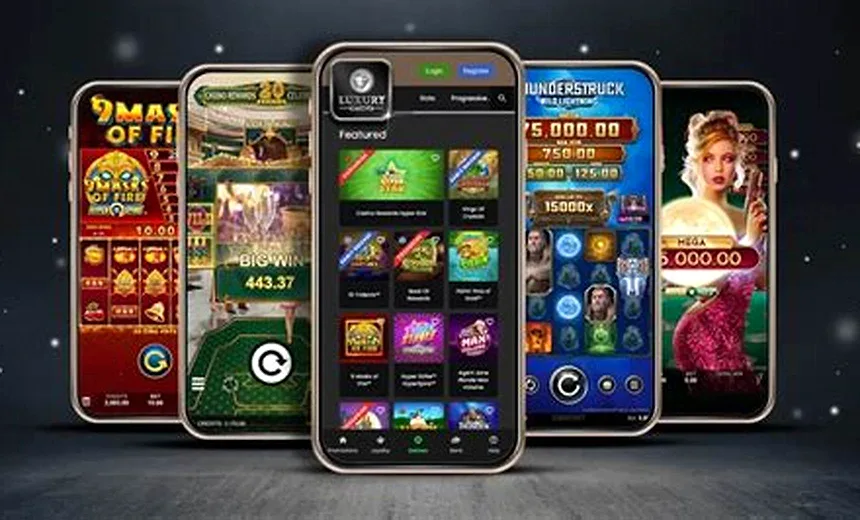
Which Install Route Do You Need?
| Platform | Route | Size | Push notifications |
|---|---|---|---|
| Android 8+ | Direct APK from the operator domain | ~60 MB | Yes |
| iOS 14+ | Safari, Share, Add to Home Screen (PWA) | Under 5 MB | Limited, iOS 16.4+ |
| Windows / macOS | Chrome or Edge install icon (PWA) | Under 5 MB | Yes |
| Any browser | No install at all | None | No |
The functional gap between the app and the browser is one feature: push notifications when the daily bonus resets. Games, balances, promotions, races and redemption all behave identically. If notifications do not matter to you, skip the install.
Step-by-Step Installation
- Open the site in your phone browser. Safari on iOS, Chrome on Android. Sign in first so the installed shell opens straight into your account.
- On iOS, use Add to Home Screen. Tap the Share icon in the Safari toolbar, scroll to Add to Home Screen and confirm. The icon appears on your home screen and launches full-screen with no browser bar.
- On Android, download the APK from the site. Follow the Android install link on the operator site. Only ever use the link served from the operator domain over HTTPS.
- Allow the install once. Android asks permission to install from your browser the first time. Grant it, complete the install, then revoke the permission if you prefer.
- Enable notifications for bonus drops. Accept the notification prompt on first launch if you want a reminder when the 24-hour daily bonus resets. This is the one feature the browser build does not match.
Why Is There No App Store Version?
Apple and Google both apply restrictive policies to real-money and sweepstakes gaming, and approval depends on jurisdiction-by-jurisdiction licensing that the sweepstakes model does not produce. Rather than ship a hollowed-out store build, operators in this category distribute directly. Every major US sweepstakes casino does the same thing.
The practical consequence is that you take on the job the store normally does — verifying the source. That leads to the only genuinely important warning on this page.
APK Safety: What to Check Before You Install
- Source domain. Download only from the operator's own site over HTTPS. Never from an APK mirror, a Telegram channel, a forum attachment or a search result promising a modified version.
- No "modded" or "unlimited coins" builds. These do not exist as working software. They exist as credential stealers. A social casino balance is server-side and cannot be modified by a client.
- Permissions. A legitimate build asks for storage and notifications. It has no reason to request SMS, contacts, accessibility services or device admin. Any of those four is a hard stop.
- Revoke install permission afterward. Android grants "install unknown apps" per source. Turn it back off once the install completes.
- Update in-app. Once installed, take updates through the app's own prompt rather than re-downloading from anywhere.
Does the App Change Anything About Your Account?
No. The account, both coin balances, VIP progress and any pending redemption all live server-side. Installing, uninstalling or switching between the app and the browser has no effect on any of it, and you can be signed in on several devices at once. If you cannot get in on a new device, that is a sign-in problem rather than an install problem — the Chanced Casino login page covers it.
Coming from the browser, everything you already know carries over: the same left rail, the same game library, the same bonus panel.
Download FAQ
Is there a Chanced Casino download for iOS?
There is no App Store listing, which is standard for US sweepstakes casinos because Apple restricts the category. The supported route is the progressive web app: open the site in Safari, tap Share, then Add to Home Screen. That produces a full-screen icon that behaves like an installed app.
Is there an Android app?
Yes. Android installs come as a direct APK from the operator rather than through Google Play, again because of store policy on the category. You have to allow installs from your browser in Android settings once, then the update prompt handles subsequent versions in-app.
Do you need to download anything to play?
No. The browser build is the complete product on both desktop and mobile, with the same games, the same balances and the same promotions. The app adds push notifications for bonus drops and a home screen icon, nothing more.
Is the APK safe to install?
Only if it comes from the operator's own domain over HTTPS. Never install a Chanced APK from a mirror, a file-sharing site or a forum link — repackaged casino APKs are a well-documented malware vector. Check the certificate on the download page before allowing the install.
How much storage does the app need?
Around 60 MB installed. Games stream rather than bundle, so the package stays small, but expect a few hundred megabytes of cache to build up over regular use. Clearing the cache does not affect your balance, which lives server-side.
Does the app work on desktop?
There is no native Windows or macOS build. On desktop you can install the site as a progressive web app from Chrome or Edge via the install icon in the address bar, which gives you a standalone window without a browser chrome.